Bullish Leads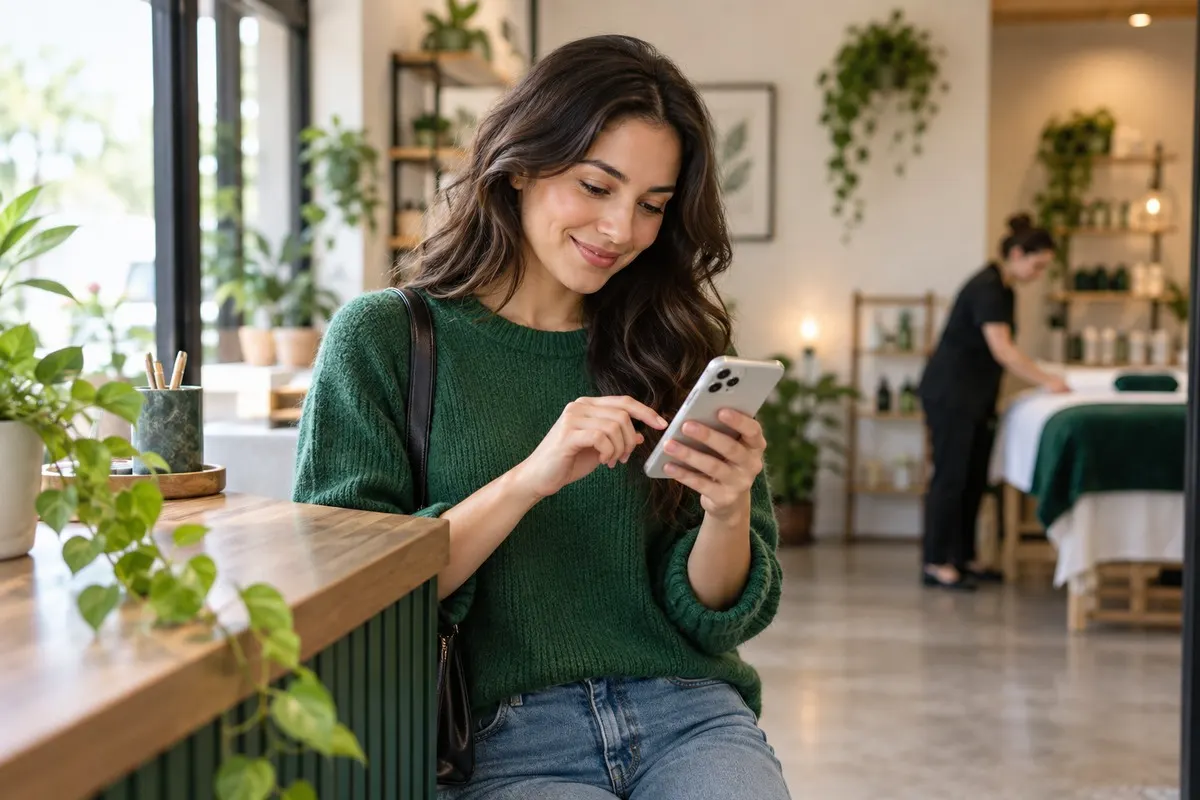
Online Booking: Let Customers Book Without Calling
Many customers would rather book online than call. How online booking helps small businesses win more customers and save time.
Key takeaways on online booking
- When booking is easy, fewer people give up.
- Look for booking that syncs with your calendar, sends automatic confirmations and reminders, and works well on phones.
- Add a booking link to your website, Google Business Profile, social media and text messages.
- Automatic reminders by text cut missed appointments.
- Some customers still prefer to call.
- Offer online booking for straightforward services and consultations.
More and more customers prefer to book without picking up the phone, especially outside business hours. Online booking lets them choose a time that suits them, and it saves your team hours of back-and-forth.
Why online booking wins customers
When booking is easy, fewer people give up. Customers who find you at night or on the weekend can book straight away instead of waiting to call.
Choose the right setup
Look for booking that syncs with your calendar, sends automatic confirmations and reminders, and works well on phones.
Put booking everywhere
Add a booking link to your website, Google Business Profile, social media and text messages.
Reduce no-shows
Automatic reminders by text cut missed appointments.
- Send a confirmation right after booking.
- Send a reminder the day before.
- Make rescheduling easy.
Keep the phone option
Some customers still prefer to call. Offer both, and make sure every call is answered or texted back.
Decide what customers can book
Offer online booking for straightforward services and consultations. For complex work, use booking for a call or site visit instead of the full service.
Set buffer times between appointments and limit how far ahead people can book, so your calendar stays manageable.
Promote your booking link
Customers will only use online booking if they know it exists. Add a clear "Book Online" button to your website header, Google profile and social media.
Mention it in voicemail greetings, email signatures and missed call text replies so every channel points to the easiest way to book.
Online booking FAQs
Is online booking good for small businesses?
Yes. It captures customers outside business hours and saves admin time.
Will online booking replace phone calls?
No, but it gives customers another easy way to book.
Can online booking reduce no-shows?
Yes, especially with automatic text reminders.
Where should I add my booking link?
Your website, Google Business Profile, social media and messages.
How Bullish Leads helps with online booking
Getting online booking right takes steady effort, and that effort is easy to drop when the schedule fills up. Bullish Leads sets up the systems behind it, including Google-Ready Website and Google Maps SEO, so the routine work happens automatically every time. You stay focused on doing great work for customers while the follow-up, reminders and reporting run in the background.
Want to see how this would work for your business? Book Call and we will walk you through it. There are no long-term contracts, and we will tell you honestly if we are not the right fit.
Further reading: SBA: Marketing and sales.
Keep reading: CRM Automations That Save Hours Every Week.


Ready to see it in action?
See everything we would set up for your business. Do it yourself afterwards, or let us do it for you.